
Searching Cases by Name
Begin with the court that holds the case. Marion County Public eAccess, also called CourtView, is the public entry for Common Pleas and Family Division records. Marion Municipal Court runs a separate search called CaseLook. One name can pull up several people, so compare the court, case number, type, status, file date, and party role before you open anything. A broad result proves little. It is not evidence that a listed case is yours, or that no other Marion County case exists.
- Open the official Marion County Public eAccess records-search route for a Marion County Common Pleas or Family Division matter, or use Marion County Municipal Court CaseLook for a municipal matter.
- Select the Marion County court or division if the interface offers that choice. This prevents a Marion County Common Pleas search from being confused with a Marion County municipal case search.
- Enter the surname and first name in their separately labeled Marion County form fields when both are known. Do not add private identifiers to a public search.
- Review the list returned by the Marion County form for the case number, court, case type, status, file date, caption, and the party role in the correct Marion County case.
- Open only the matching Marion County Case Details record and select Docket Information to read the chronological register.
| Field Label | Type | Required | Notes |
|---|---|---|---|
| Last Name | Text | Unspecified | Separate CourtView surname field for a Marion County case. |
| First Name | Text | Unspecified | Use with the surname when known in a matching Marion County record. |
| Case No. / Case Number | Text | Unspecified | The strongest known identifier for a Marion County case. |
| Search block / court type | Dropdown | Unspecified | Select the Marion County court or division that owns the case when offered. |
| Filing-date pieces | Dropdowns | Unspecified | Marion County interface assets show day, month, and year controls; verify live options. |
| Attorney or judge name | Text / autocomplete | Unspecified | Use only if the current Marion County interface displays the option. |
Marion County Public eAccess Case Search
Public eAccess serves two different jobs for Marion County: public records search and e-filing. Pick the public records or case search path, not the e-filing one. The CourtView screens are built dynamically in your browser session. So a button you see today may sit elsewhere or look different on another visit. Lead with your strongest identifier. Narrow only with the fields the live form actually gives you. The official landing point for the county's Common Pleas and Family Division records channel is Marion County Public eAccess. That page shows the records options the clerk provides.
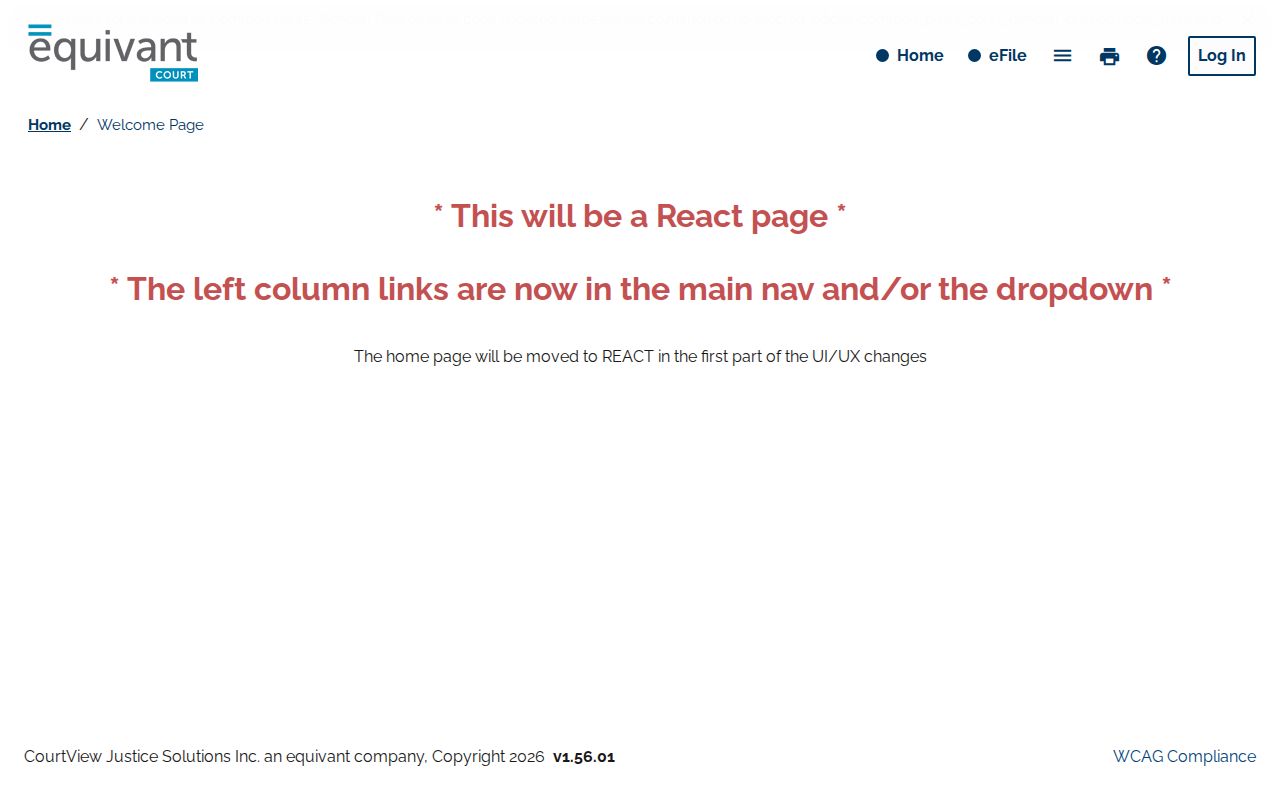
That landing route is mainly a way into the right Marion County system. The division and case details decide whether the record you pulled is truly the one.
Searching by Case Number
Use the full number whenever you have it. A Marion County notice, citation, filing, or older docket entry is the best source. Use that paperwork for the exact string. CourtView numbers in Marion County pair a local year, a case-type code, and a sequence. Examples include 2022 CV 0155 for a civil matter or 2011 CR 0368 for a criminal one. Type it exactly as the live form asks before experimenting with spacing. Those samples show a pattern, not a guarantee. Divisions may not all use the same punctuation or spacing. A Marion County municipal citation can follow a different format entirely. If a number fails, confirm the court and copy the number fresh from the newest notice. Never assume a nearby result belongs to your matter.
Marion County Case Number Patterns
In the documented Marion County CourtView examples, the CV and CR codes mark civil and criminal cases. The first group is the filing year. The trailing digits are the sequence. With the full number in hand, a Marion County number search beats a party-name search for precision. Traffic, misdemeanor, small claims, and other municipal matters belong in CaseLook instead. Forcing those numbers into CourtView just wastes time. The two-portal split is a normal feature of local court structure. It is not a sign the record vanished.
What a Case Search Returns
A matching CourtView case opens a Case Details view for Marion County. You may see the case type, status, file date, and status date. Case judge, next event, and action may appear too. The party block can list roles and attorney information where available. Criminal cases can add charge details. These include a count, code or statute, description, disposition, and disposition date. Docket Information is the dated register of events. It is not the full file by default.
| Case Number | The court-assigned identifier for a Marion County case, which is the best cross-check for a result. |
|---|---|
| Style / Parties | The caption and party roles used in a Marion County record to distinguish similar names. |
| Case Type | The court category shown for a Marion County matter, such as civil, criminal, family, probate, traffic, or small claims. |
| Filed Date | The date the Marion County court received or file-stamped the initiating filing. |
| Status | The active, pending, closed, disposed, suspended, or restricted status the Marion County record displays. |
| Next Event | A future event the Marion County system lists; confirm it against the latest docket entry or notice. |
| Docket Information | The chronological date-and-text register in a Marion County case for filings, service, notices, orders, costs, and disposition. |
A document indicator on a Marion County docket line means only that a document exists in the record. It does not promise a public user can download it or get a certified copy online.
Marion County CourtView Case Fields
Read a Marion County case from its header down to the dated register. The header confirms identity and status. The register shows events in order. A CourtView record can include service method and cost, a summons, notices sent, judgment entries, filing fees, the docket amount, or an amount due. Check the exact fields and document images in the live record itself. A search-list row will not carry them.
- Docket Information
- The chronological court register that records actions in a case.
- Next event
- A CourtView field that can identify the next listed case event; the recent docket entry remains the confirmation check.
- Disposition
- The recorded outcome, such as a dismissal, judgment, guilty or no-contest result, or satisfaction, with its date where displayed.
Statewide vs County Case Search
Ohio offers no single statewide portal for trial-court dockets in every county. The Ohio Supreme Court Case Docket covers Supreme Court cases only. So a Marion County case search starts locally. Use Public eAccess or CourtView for Common Pleas and Family Division matters. Use CaseLook for Municipal Court. A state-level name search is no substitute for either local system.
| Search channel | Coverage | Best use |
|---|---|---|
| Ohio Supreme Court Case Docket | Ohio Supreme Court cases, not a statewide trial-court database. | Finding a Supreme Court matter after its court ownership is known. |
| Marion County Public eAccess / CourtView | Marion County Common Pleas and Family Division records channel. | County General Division or Family Division case details and docket information. |
| Marion Municipal CaseLook | Marion Municipal Court record-search channel. | Municipal civil, misdemeanor, traffic, small-claims, and ordinance matters. |
Each portal name covers different ground. A zero result in one settles nothing about whether another Marion County court holds a case.
Marion County Case Search Portal Limits
Searching a state portal and hoping it covers every trial bench is the classic misstep. Ohio's Supreme Court docket sits apart from local records. Marion County keeps its trial-court and municipal case files at home. So the better question is which Marion County court took the case or holds it now, not which statewide database might list it.
Appeals split off too. A Marion County originating docket may carry a notice of appeal, a deposit, record preparation, or a transfer notation. But the appeal then runs on its own Ohio Third District Court of Appeals docket. Keep the trial-court entry and the appellate record separate.
Marion County Case Search Portal Split
Each Marion County court keeps its own files. Common Pleas General Division handles adult felonies and larger civil matters. The Legal Division clerk holds those records. Family Division runs its own clerk operation for juvenile, domestic-relations, probate, and child-support cases. Marion Municipal Court covers the whole county. It handles municipal civil, misdemeanor, traffic, small-claims, and ordinance dockets.
Online, the split continues. Public eAccess links Common Pleas and Family Division records. Marion County Municipal Court points searchers to CaseLook. A municipal felony proceeding and a later Common Pleas criminal case can leave related but separate docket paths. Match the court, the case number, and the filing date before treating two records as one file.
Access and Restricted Cases
Ohio Rules of Superintendence 44 and 45 presume court records are open. Remote access is narrower, though. Attachments and exhibits may stay off the screen even when direct access is available. Ohio Revised Code 2303.12 allows online general-docket and document access for specified Common Pleas civil and criminal timelines only within its exclusions. A Marion County case search result helps you locate a record. It does not promise every filing is viewable from home.
Plenty stays hidden. Sealed or expunged criminal records may be absent or restricted. Juvenile names in abuse, neglect, and dependency matters rarely display. Protected personal identifiers, health and custody materials, assessments, parenting-time records, and financial filings in Marion County Family Division often stay offline. Pre-charge search-warrant materials are nonpublic under Municipal Rule 315. Later records may still need redaction. A missing case is never proof of a sealed record.
Ask the right office instead. Call the relevant court or clerk. Name the court, case number, and item you want. The clerk can separate a visible docket entry from material you must request directly.
Marion County CaseLook Case Search Delay
CaseLook makes you accept its disclaimer before any Marion County municipal search. The court warns that displayed data may lag at least 24 hours or longer. It can change without notice, and is limited by its data-retrieval process. Search the municipal case, citation, or party identifier the court supplies. Open only the matching docket, then read its latest entry and next hearing.
For anything needing certainty, go around the screen. Marion Municipal Court's CaseLook entry tells users to make a written request or visit the court. Trusting the online display alone is not advised.
Marion County Case Search No-Result Checks
A no-result screen is a prompt to check the local path, not a verdict on the file. Run through these Marion County checks before contacting a clerk.
- Confirm whether the Marion County matter belongs in Common Pleas, Family Division, or Municipal Court.
- Use the exact case number or citation number before a broad name search.
- Check spelling, the case-type code, and year or sequence spacing.
- Read the CaseLook delay warning for a recent municipal filing or action.
- Consider whether family, juvenile, sealed, expunged, or protected material limits display.
- Check the latest Marion County notice or docket entry and then contact the appropriate clerk.
Note: A case can sit in the wrong local portal, arrive late, be old, or be restricted without producing any public search result.
Marion County Clerk Case Search Fallback
When a Marion County Common Pleas record needs verification, the Marion County Clerk of Courts, Legal Division takes requests by phone, mail, email, or in person. County policy says most records can be viewed online. The scope of a request can affect handling, though. If a protected record is denied, the clerk may explain the denial orally. A written denial is supplied on request. The Legal Division's official page lays out the county clerk contact route for Common Pleas records.
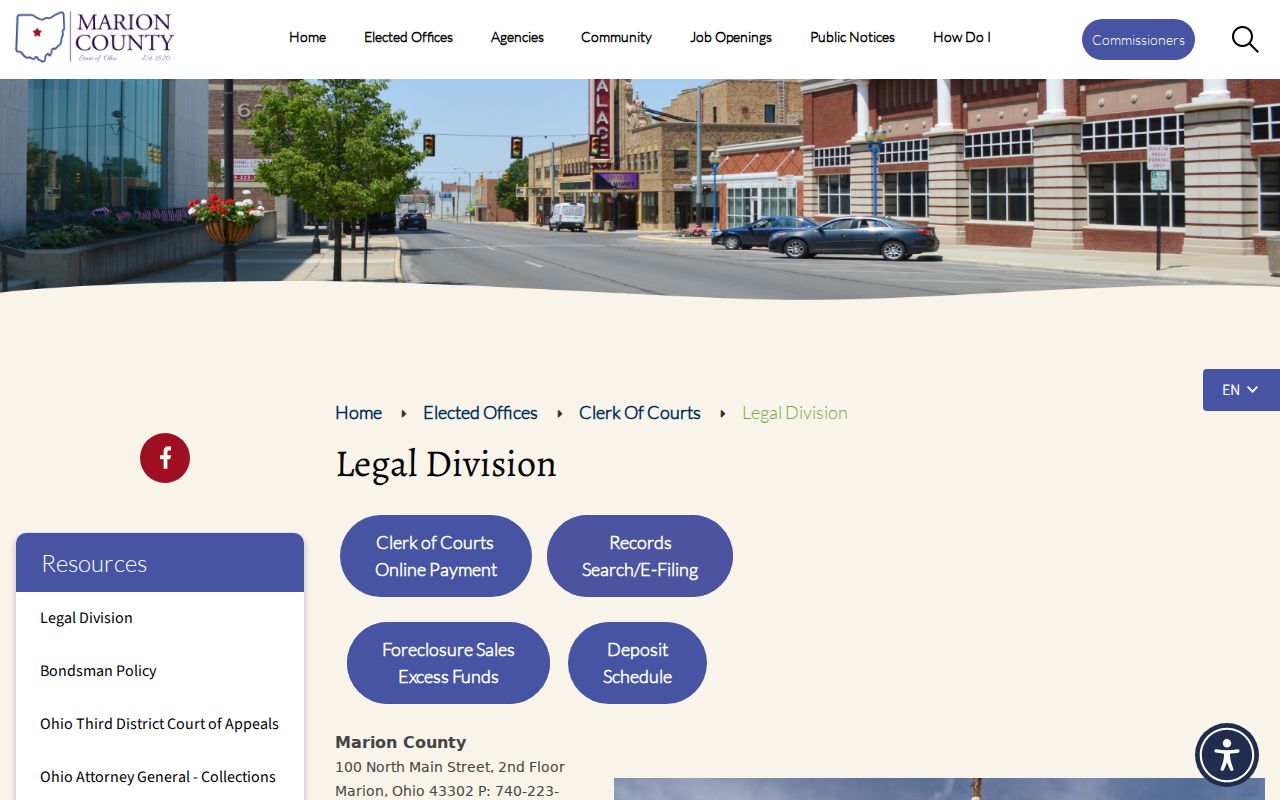
For a verified record, a copy, or a certification the Public eAccess case search cannot settle, the clerk route is the right fallback.